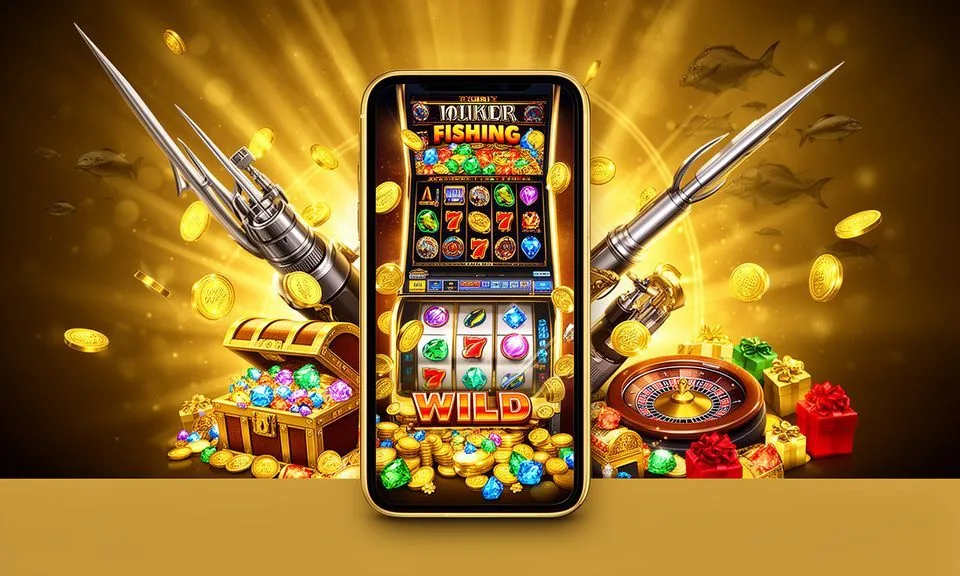
The bk33l lobby loads through your mobile browser — no app store required. Open the site on your Android device, sign in to your account, and the full lobby is ready: slots, live tables, crash games and cricket betting, all in one browser session.
mobile browser access
Android-ready layout
account sign-in from any device
availability depends on local law and eligible regions
When you open bk33l on a mid-range Android device, the layout shifts automatically to a single-column view built for one-handed use. The bottom navigation bar keeps four areas within thumb reach: lobby, account, wallet and support.
BROWSER FEATURE SNAPSHOT
Mobile Access Features Worth Knowing
The bk33l mobile browser experience is shaped around four practical controls that returning users rely on most. Each one is visible within your first tap after sign-in, so you spend less time navigating and more time in the section you came for — whether that is the crash game lobby, a live table or your account wallet.
Single-Column Lobby Layout
The lobby reorganises into a vertical scroll on smaller screens. Game rows sit in horizontal rails you swipe through, and the category filter bar lets you jump between slots, live casino and sportsbook without reloading the full page.
Persistent Account Bar
Your balance, notification dot and wallet shortcut stay fixed at the top of the screen across all lobby pages. You do not need to return to a home screen to check your account status or move to the deposit section during a session.
One-Tap Game Entry
Each game card on the mobile layout has a single tap zone that opens the title directly. There is no hover state to worry about, and the card size is set to work reliably on standard Android touch targets without requiring a stylus or precise tap.
Wallet Route Shortcut
The wallet section — where Rocket and Bank Transfer deposit routes are listed — is reachable from the account icon in the bottom navigation bar. The fields and limits shown there are the live figures for your account at the time you open it.
ACCESS IN THREE STEPS
Mobile Access in 3 Steps
Getting into the bk33l lobby from a mobile browser takes three steps. There is no file to download and no store listing to search. Open your browser, navigate to the correct domain and sign in — the layout adapts to your screen automatically.
Open the Site
Type bk33l into your mobile browser address bar or tap a saved bookmark. Confirm the domain matches exactly before entering any account credentials.
Check Browser Compatibility
Chrome on Android and the default Samsung Internet browser both render the bk33l layout correctly. If a page element appears out of position, try refreshing or switching to Chrome before contacting support.
Sign In to Your Account
Enter your registered email and password on the sign-in screen. Follow any on-screen verification prompt. Your balance and lobby access activate immediately after the account confirms your session.
DEVICE COMPATIBILITY CHECK
Checking Your Device Works With bk33l
Browser-based access means compatibility depends on your browser version and screen resolution rather than a specific app build. Most mid-range Android devices in use across Bangladesh open the bk33l lobby without configuration changes.
Browser Version
Use a browser updated within the last two major versions. Chrome on Android and Samsung Internet are the two most commonly used browsers that render the bk33l layout as intended. Older browser builds may display layout gaps.
Screen Size and Orientation
The layout is designed for portrait orientation on screens from 5 inches upward. Landscape mode is supported but the navigation bar repositions. Rotate back to portrait if you notice the bottom nav bar is missing.
Account Login Requirement
The full game lobby and wallet controls require a signed-in account session. Some sections — including game previews — are visible without logging in, but deposit routes and active game entry require authentication first.
Domain Verification
Access bk33l only through bk33l. If the URL in your browser bar differs from this, close the tab immediately. The correct domain is the only address we publish for browser access.
Published Device Page
If bk33l publishes specific device compatibility notes or an app build link, that information appears in the account area or on the app page itself. Check there for the most current device guidance rather than third-party listings.
MOBILE HELP ROUTES
Getting Help With bk33l Mobile Access
If you hit a problem opening the lobby or signing in on mobile, bk33l has published support routes accessible from within the site itself. Check the Help section linked in the account menu before trying a different device — most access issues are browser-level and resolve without needing to contact the
Live Chat
The live chat widget is visible in the bottom-right corner of the bk33l site, including on the mobile browser layout. Tap it to open a chat session with the support team. Use this for sign-in problems or lobby display issues that persist after a browser refresh.
Help Centre
The Help Centre link in the account menu covers common mobile access questions: browser settings, account recovery and wallet navigation. Browse the published articles there before submitting a request — many access questions are answered without waiting for a response.
Account Recovery Path
If you cannot sign in, use the recovery link below the login form on the bk33l mobile site. Enter your registered email or mobile number and follow the steps shown on screen. This path works from any browser without requiring a prior session.
ACCOUNT SAFETY CHECKS
Stay Safe When Accessing bk33l on Mobile
Mobile browser access carries the same account security responsibilities as desktop. A few checks make a real difference to keeping your account secure — particularly when switching between devices or using a shared network. The steps below are drawn from the access and account guidance published on bk33l; follow them as standard practice every session.
Verify the Domain First
Before typing your password, confirm the browser bar shows bk33l exactly. Phishing pages can copy the layout; the domain is the one check that cannot be faked in the address bar. Close any tab where the domain differs.
Use the Published Recovery Path
If you share a device or suspect your credentials were seen by someone else, use the password reset path on the sign-in page immediately. Do not contact third parties claiming to offer account recovery — only the link on bk33l is verified.
Review Published Device Guidance
The app or device guidance page on bk33l is where any official app build link, APK availability or compatible browser list will appear. Check there before downloading anything described as the bk33l app from a third-party source.
Protect Your Account Credentials
Do not save your bk33l password in a shared browser profile. If you use the browser save-to-home-screen shortcut on a personal device, make sure the device itself is protected with a screen lock to prevent unauthorised session access.
APP ACCESS QUESTIONS
bk33l App — Questions We Hear Most
The questions below cover the access points returning users ask about most when switching to mobile or checking whether a dedicated bk33l app is available. Each answer points to the specific step or page on the site where you can verify the current status.
Is there a bk33l app I can download from the Play Store or App Store?
A native store listing has not been verified at the time of writing. Access the full bk33l lobby through your mobile browser at bk33l. If an app build becomes available, the link will appear in your account area and on the app page — check there for the current status.
Can I use bk33l on an Android phone without downloading anything?
Yes. The bk33l site loads in Chrome or Samsung Internet on Android without any file download. The lobby, account wallet and live tables are all accessible through the browser. Save the site to your home screen for quicker return access without typing the address each time.
Does the mobile browser version give me access to all the same games as desktop?
The mobile layout carries the full game catalogue including slots from Habanero, Bigtime Gaming and PG Soft, live dealer tables, crash games and the sportsbook. A small number of titles may render differently on very small screens, but the catalogue itself is not reduced for mobile sessions.
How do I deposit using Rocket on the bk33l mobile site?
After signing in, tap the account icon in the bottom navigation bar and select the wallet section. Rocket is listed there as a deposit method. Follow the fields and amount limits shown on screen for your account — those figures reflect your current account status, not a fixed published rate.
What should I do if the bk33l lobby does not load correctly on my phone?
First, confirm the URL in your browser bar is bk33l exactly. Then try a hard refresh or switch to Chrome if you are on a different browser. If the layout remains broken, tap the live chat widget and describe the device and browser you are using so the support team can assist directly.
Is there a separate app for cricket betting on bk33l?
Cricket betting — including BPL and international matches — is part of the main bk33l sportsbook, accessible from the lobby navigation on the mobile browser. There is no separate cricket app. The sportsbook tab loads within the same session as your casino games and account wallet.
 Mobile / Live